Embrace Pet Insurance Claims
Visiting the vet can be stressful, but submitting and reviewing your Embrace Pet Insurance claim doesn’t have to be.
Frequently asked questions about pet insurance claims
The Embrace website and the Embrace Pet Insurance mobile app are the quickest ways to submit claims, but you can also submit by:
Embrace Pet Insurance
P.O. Box 22188
Beachwood, OH 44122-0188
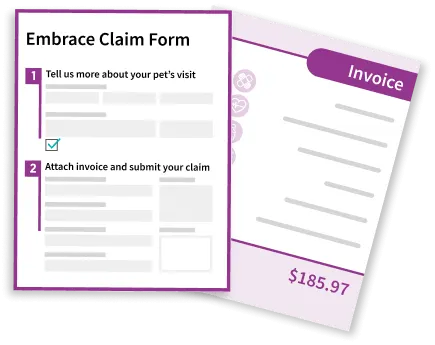
Please Note: If you submit your claim via the Embrace website or the Embrace Pet Insurance app, you do not need a claim form. If you submit claims by fax, email, or mail, you will need to submit a completed claim form.
Each pet has its own personalized claim form.
Your claim form(s) can be found in your account and in the Embrace Pet Insurance app. It is also in the email you received after enrolling with Embrace.
Contact our Customer Care Team if you’d like your claim form emailed or mailed to you.
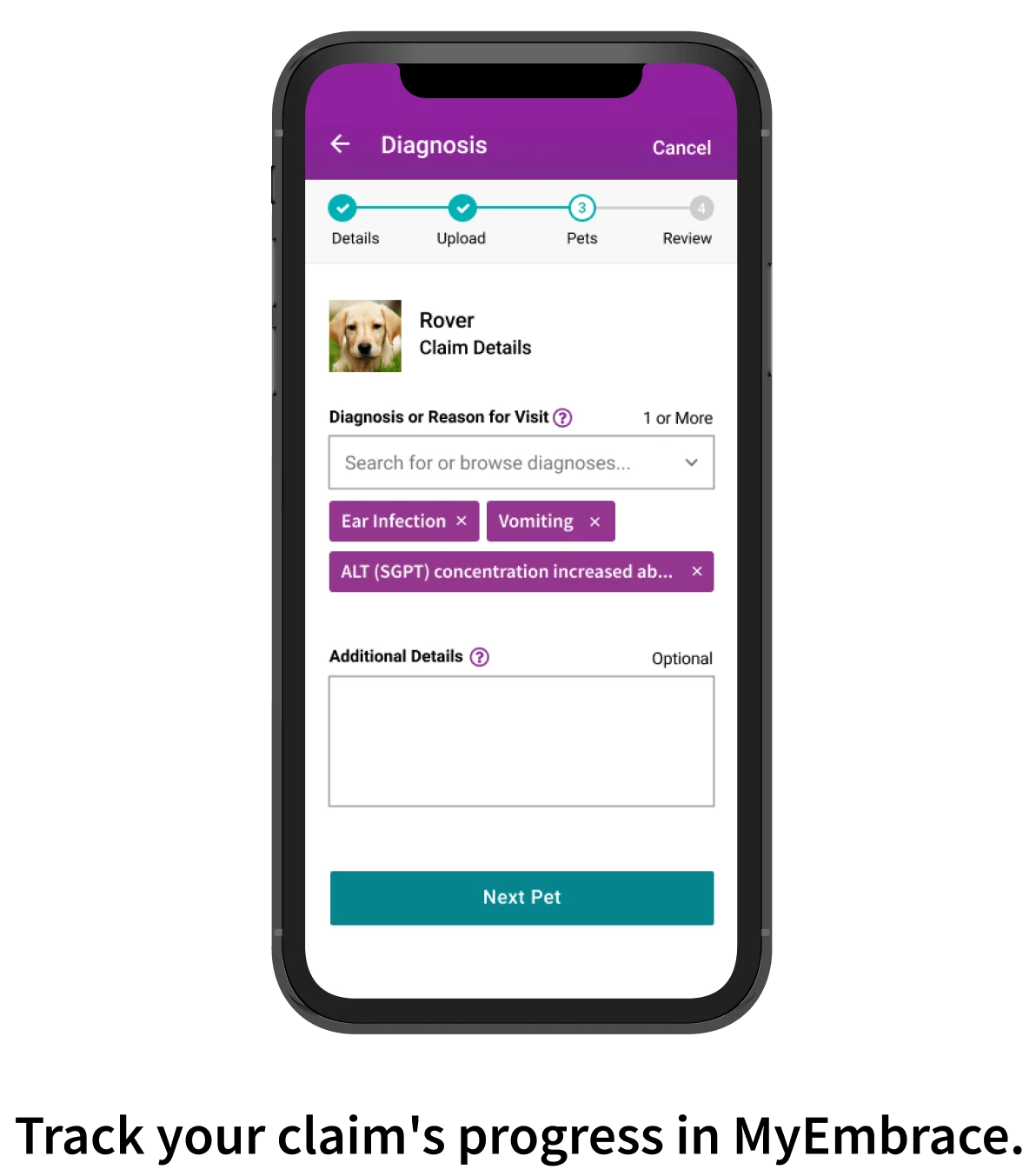
This is the reason you took your pet(s) to the vet. Diagnosis examples include allergies, torn cruciate ligament, diabetes, etc.
If there is no diagnosis, or you are waiting on lab results, the reason for the visit could include the abnormal signs your pet was seen, such as lameness, vomiting, cough, lethargy, etc.
An acceptable invoice is legible and includes the following:
Pet’s name(s)
Date(s)
Itemized list of products/services and their costs
Grand total including taxes, fees, discounts, shipping, etc.
For prescriptions filled by a pharmacy, we can accept drug labels that include the following:
Pet’s name
Medication dispensed
Date
Quantity
Total charge including taxes, fees, discounts, shipping, etc.
Please Note: If you submit your claim via the Embrace website or the Embrace Pet Insurance app, you do not need a claim form. If you submit by fax, email, or mail, you will need to submit a completed claim form.
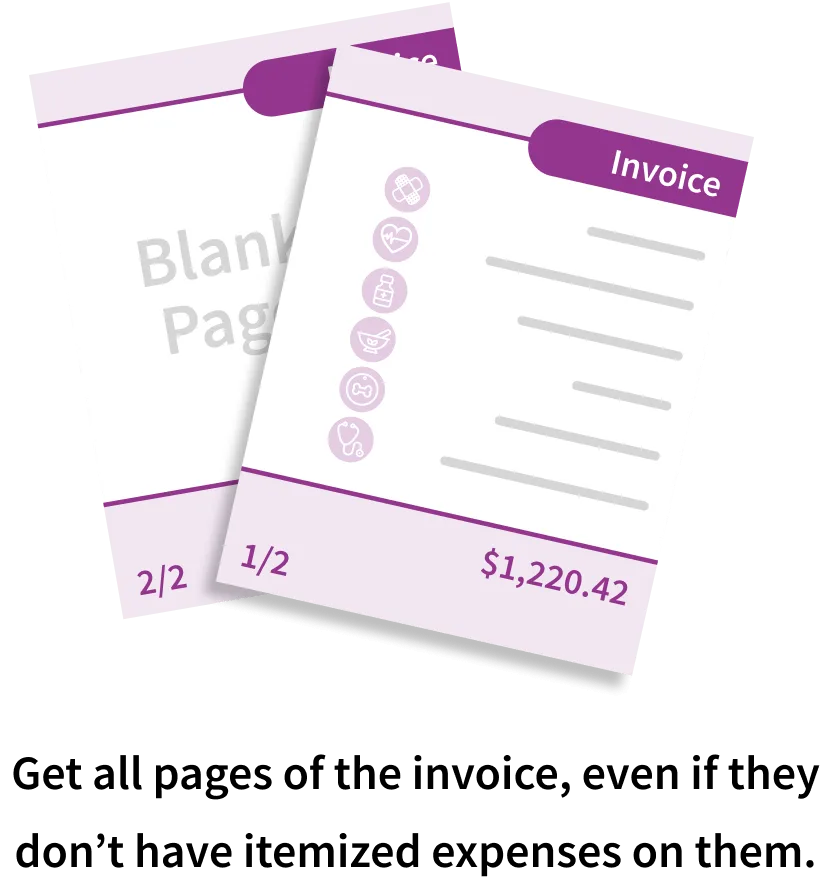
If you need to submit a claim for all of the pets on the invoice, please provide a claim form for each pet with one invoice. For example: If Fluffy and Spot are listed on the invoice, please submit Fluffy’s claim form, Spot’s claim form, and all of the pages of the invoice with both of their names and itemized expenses on it.
If you only need to submit a claim for one or some of the pets on the invoice, please only send in the claim form(s) for the pets you wish to have a claim processed for and all pages of the itemized invoice.
We can only process a claim if we receive an itemized invoice that shows every charge. If you were only given a receipt at the vet’s office, please ask them for the itemized invoice as well.
If we’re missing something, our claims team will request the information from your vet’s office, but this can delay the claim-processing time.
All claims and documents are typically confirmed by email within two business days of receipt. If you don't receive a confirmation email within four business days of your submission, we may not have received it. Please contact us at askclaims@embracepetinsurance.com to verify or you may send them again.
Please note: If your vet’s office faxes or emails information to us, it can take up to two business days for the status of your claim to be updated in your account.
We ask 30 business days to process accident and illness claims, but usually they’re processed much quicker.
First claims typically take longer to process because our team must first review your pet's medical records.
Your claim could experience a delay if we are missing necessary information (visit notes, invoice, diagnosis, etc.).
Wellness Rewards submissions are typically processed in five business days or less, as long as we have all necessary information.
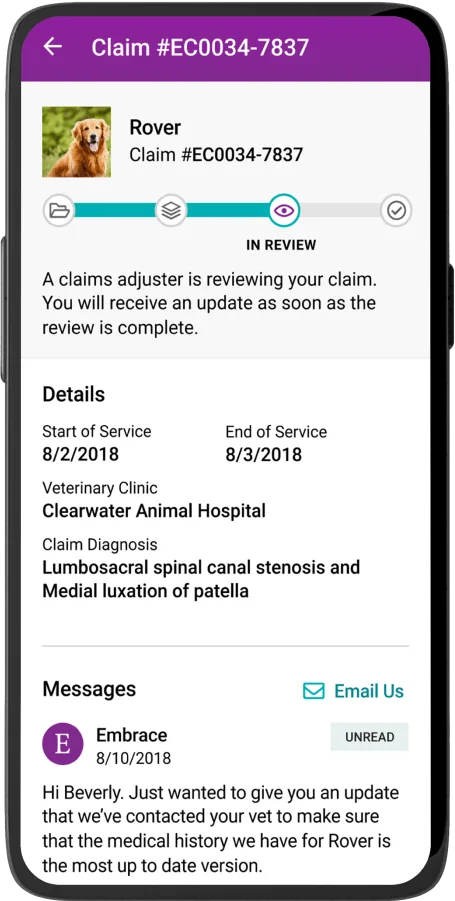
The status of your pet’s claim is updated in your account as it processes. If you notice we're waiting on information from your vet, it can help speed things up if you contact them, too. Or, if you already have the information we requested from your vet, send it to us via the Submit Documents link in your account (you can submit invoices, visit notes, etc.).
You can also reduce claim-processing time by requesting a free medical history review after you enroll, but before you submit your first claim.
Once your claim is completed, your reimbursement is issued via your selected method: Direct deposit or check. Direct deposits usually take 2-3 business days. Checks are sent via USPS and usually take 5-7 business days (the post office has asked that we allow up to 10 business days).
You can set up direct deposit through the payment setting in your Embrace website account, or in the Embrace Pet Insurance app, or by contacting our Customer Care Team. You will need:
Visit the claims section in your account or in the app, and select the claim you’d like to review. In the claim, there is a link to download your Explanation of Benefits.
That's okay! If you're planning to submit your claim via the Embrace website or the Embrace Pet Insurance app, you don't need to have a claim form completed by your vet. Visit notes from the visit being claimed are also acceptable.
If you're planning to submit your claim by fax, email, or mail and your vet accepts email, you can send them a copy of your claim form by downloading it from your account and attaching it to an email. Our Customer Care Team can fax or email a copy to you or to your vet’s office as well – just contact us.
Please Note: This is only applicable if you have elected to add the optional prescription plan to your insurance policy. If you submit your recurring prescription claim via the Embrace website or the Embrace Pet Insurance app, you do not need a claim form. If you submit by fax, email, or mail, you will need to submit a completed claim form.
Please have your vet’s office fill out one claim form with the diagnosis and the name of the medication, and keep that claim form handy. Simply submit that same claim form along with the invoice from the clinic or the receipt from the pharmacy each time your pet has a refill.
You have your entire policy term plus 60 days after renewal to submit a claim, so if you can’t get to it right away, you have some wiggle room.
If you submit a claim you do not want to be processed), please let us know by phone (800) 511-9172 or email askclaims@embracepetinsurance.com before the claim has been completed.
Once a claim has been fully processed, it cannot be undone, even if you have not cashed the check.
The Explanation of Benefits explains why the claim wasn’t covered. If you feel the claim decision was inaccurate, you can appeal the decision.
You can appeal any claim decision you feel is inaccurate within 14 days of our decision.
For the appeal, please have your veterinarian write us a letter or email that addresses the reason the claim wasn’t covered and the claim number(s). The letter must be on their practice’s letterhead or include the practice’s stamp. If an appeal is sent via email, it must come from your veterinarian’s email. Additional information they may not have provided initially is helpful as well (e.g. medical records, lab test results, X-rays, etc.).
Appeals can be sent to:
Email: askclaims@embracepetinsurance
Fax: (800) 238-1042
Mail:
Embrace Pet Insurance
P.O. Box 22188
Beachwood, OH 44122-0188
Please note that appeals can take 15-20 business days to review. You will receive an email confirmation once it has been received.
You can request a free medical history review after you sign up with Embrace Pet Insurance, but before you submit your first claim. When you request a medical history review, our Claims Team will reach out for your pet's medical records for all visits they had within 12 months of enrollment (if you have a puppy, kitten, or newly adopted pet, we'll request from the date you brought them home if it's less than one year) for review. You will receive an email of the review within 30 business days of our team gathering the full records to let you know what, if anything, would be considered pre-existing and for how long.
Embrace never requires a pre-certification for a procedure, but it is available as an option. We recommend a pre-certification if your vet has recommended a course of treatment that is over $1,000 and/or is experimental. You can find your pet’s personalized pre-certification form in your account account.